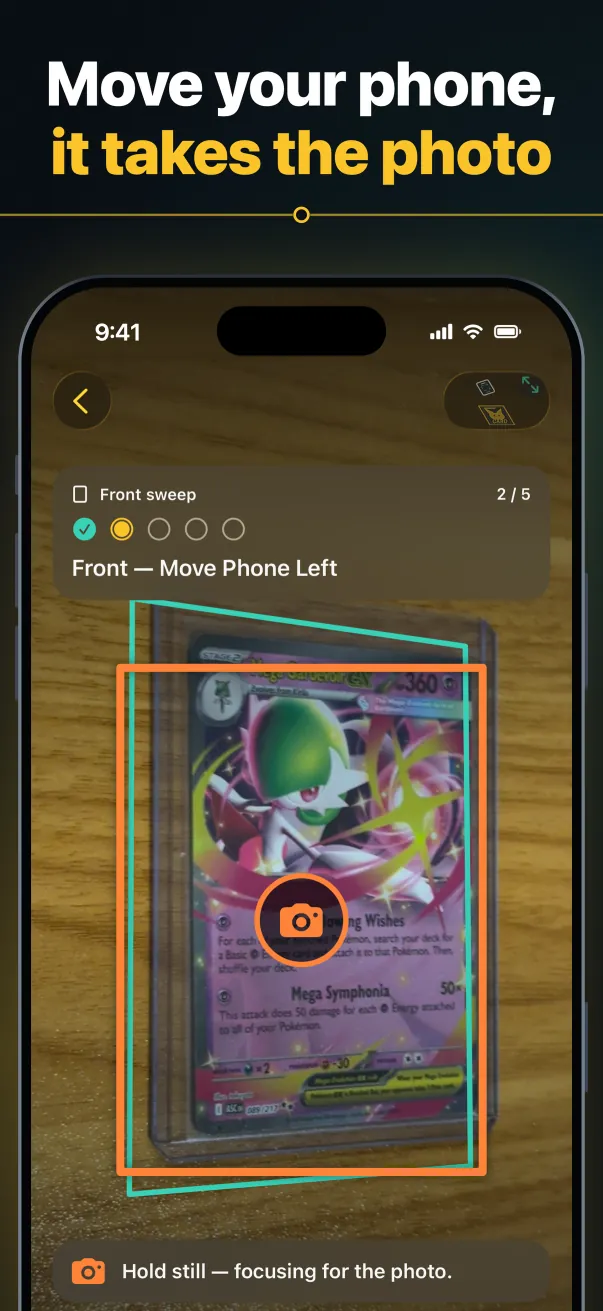
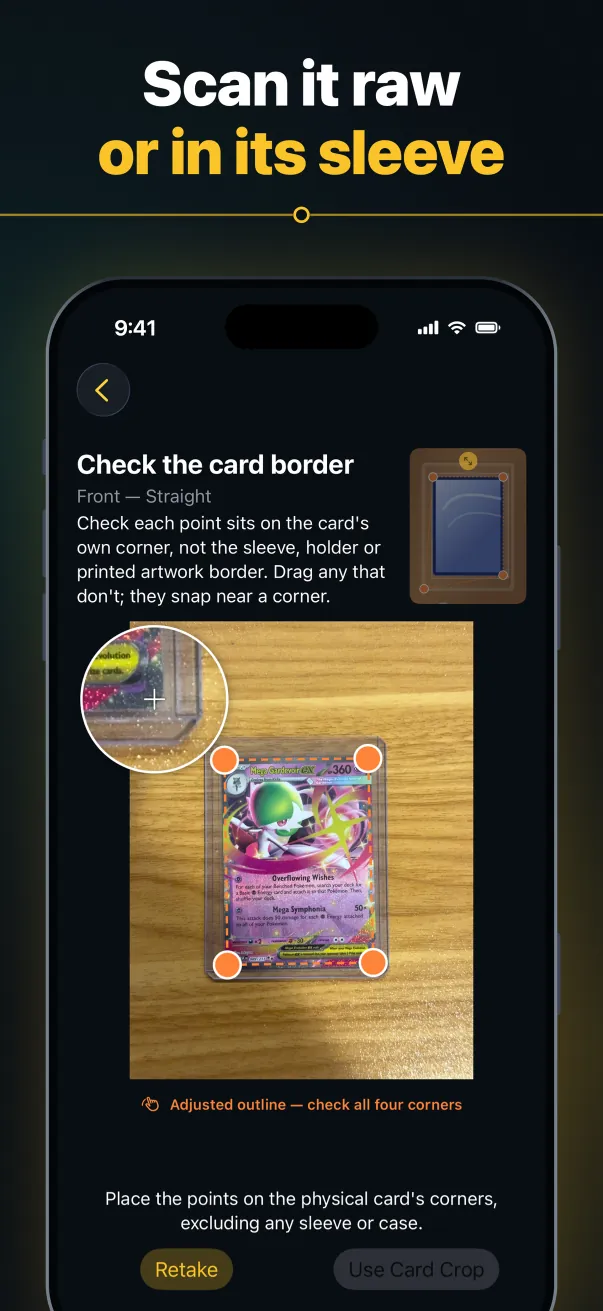
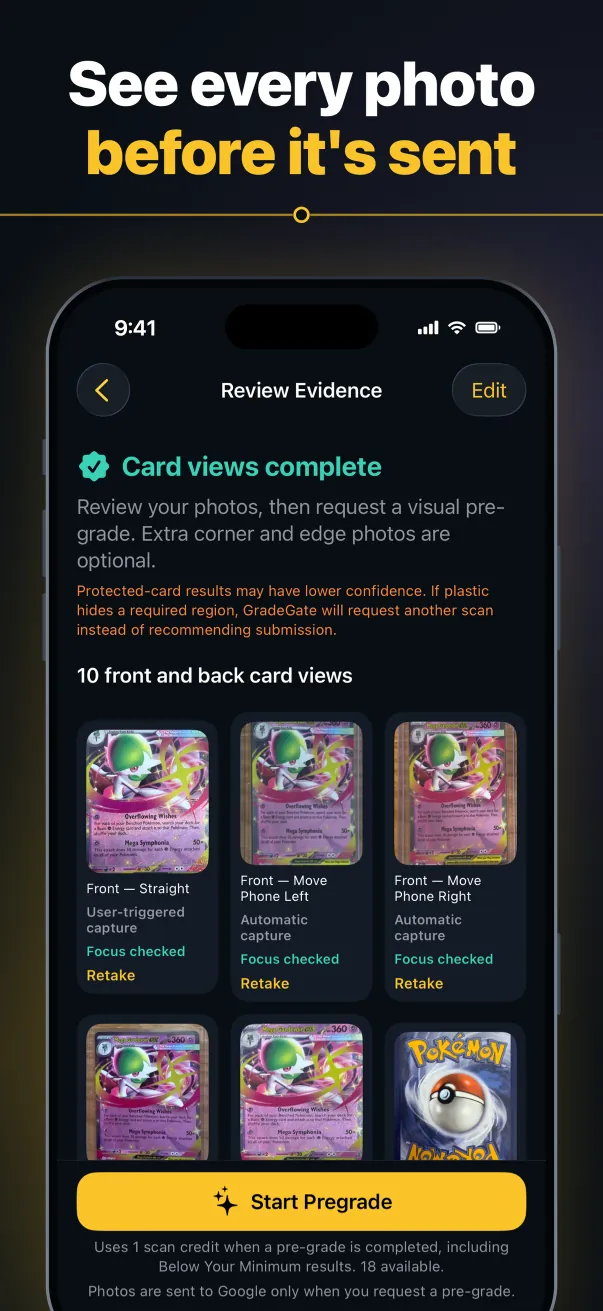
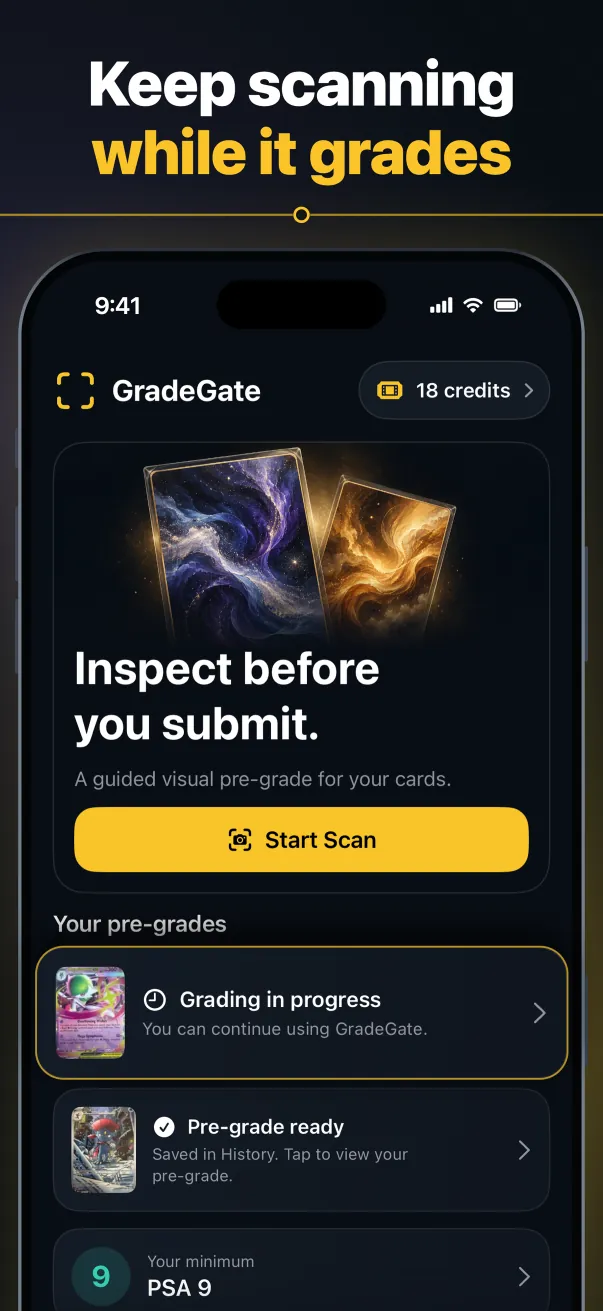
Your collection deserves more than a guess. GradeGate guides you through an iPhone scan and a conservative visual pre-grade, before you decide on professional grading.
Made for sports, trading-card game & non-sports cards.
The GradeGate experienceIllustrative animation
CAPTURE / REVIEW / UNDERSTAND
9:41▮▮▮ · ▰
GradeGate•••
FRONT OF CARD01 / 04
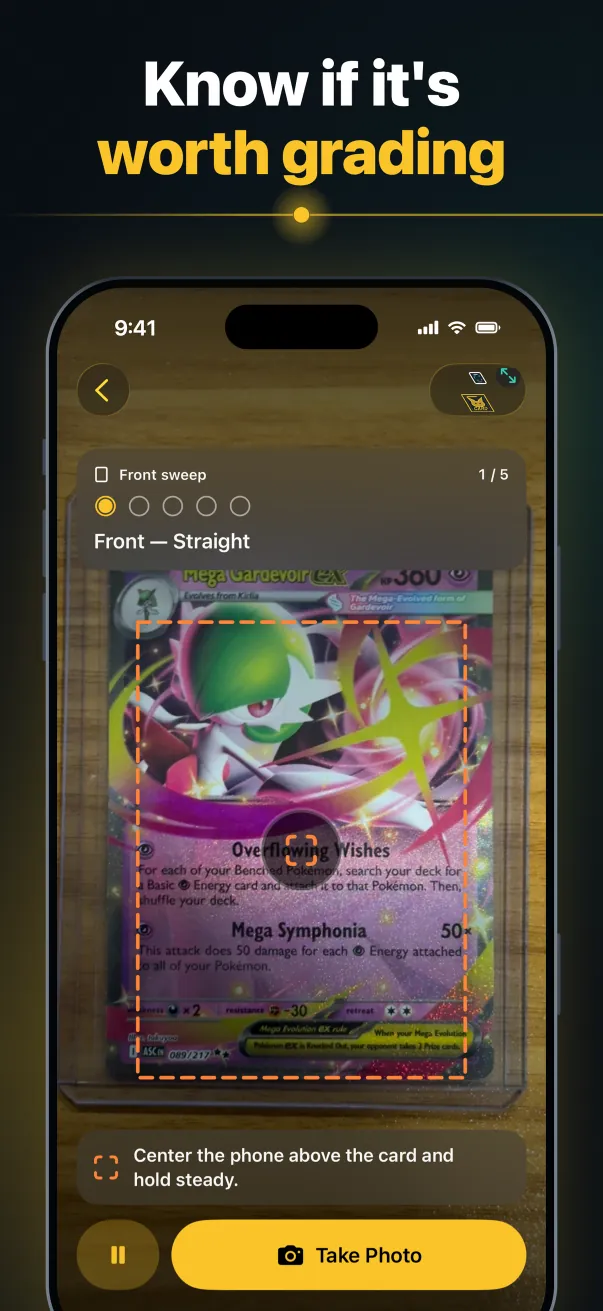
✧ Card in view
Keep the card inside the guide.Review your photos.Explore your visual pre-grade.A closer look, ready to share.
↻
✓
Evidence capturedEvery detail has a place.
GradeGate Detailed ReportVisual pre-grade report
PDF
01 Capture02 Review03 Pre-grade04 Report
For the cards you care about.SportsTrading-card gamesNon-sportsOne collection. More informed decisions.
Inside the app
Every step, on your iPhone.
From the guided scan to a straight answer and a report you can share.
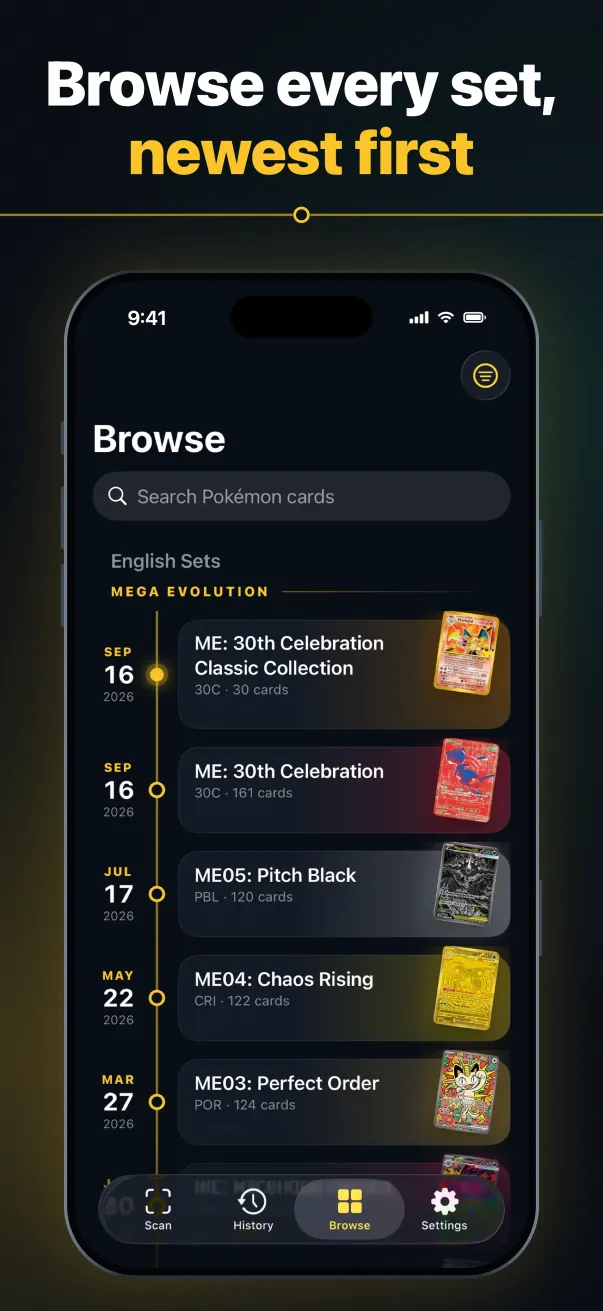
Screens from GradeGate for iPhone, coming soon to the App Store.
The film
Know before you grade. Know before you buy.
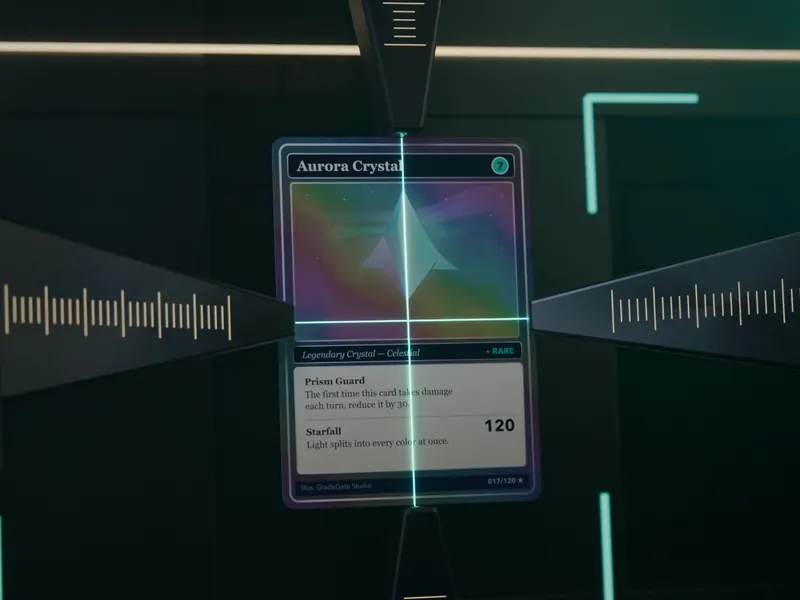
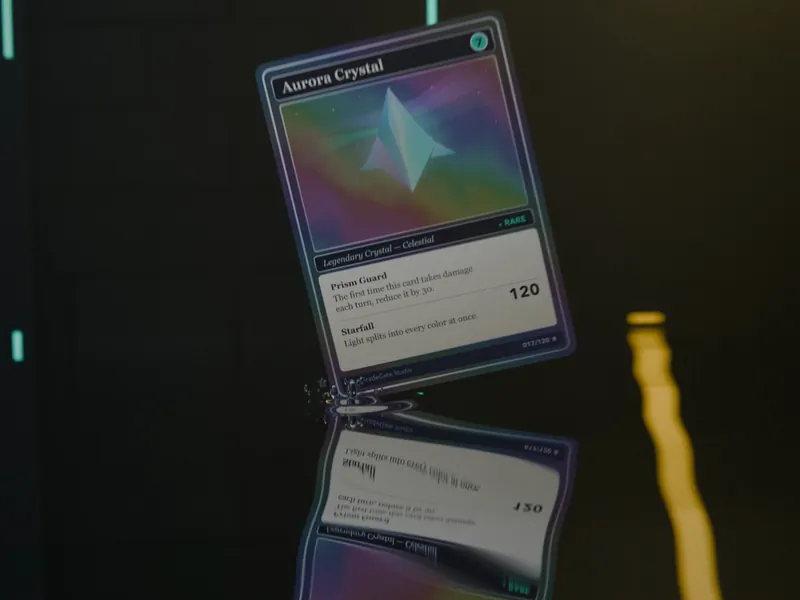
Thirty seconds on the closer look GradeGate gives your cards.
Illustrative film with narration and English captions. A visual pre-grade is an estimate, not a guaranteed grade, and a seller’s report describes their scan, not the card you will receive.
The scan
Less guesswork. More detail.
From the first photo to your next decision, keep the card’s condition in focus.
01⌗
Capture both sides.
Follow visual guidance on your iPhone to photograph the front and back of your card.
A guided start.
02⊞
Review the details.
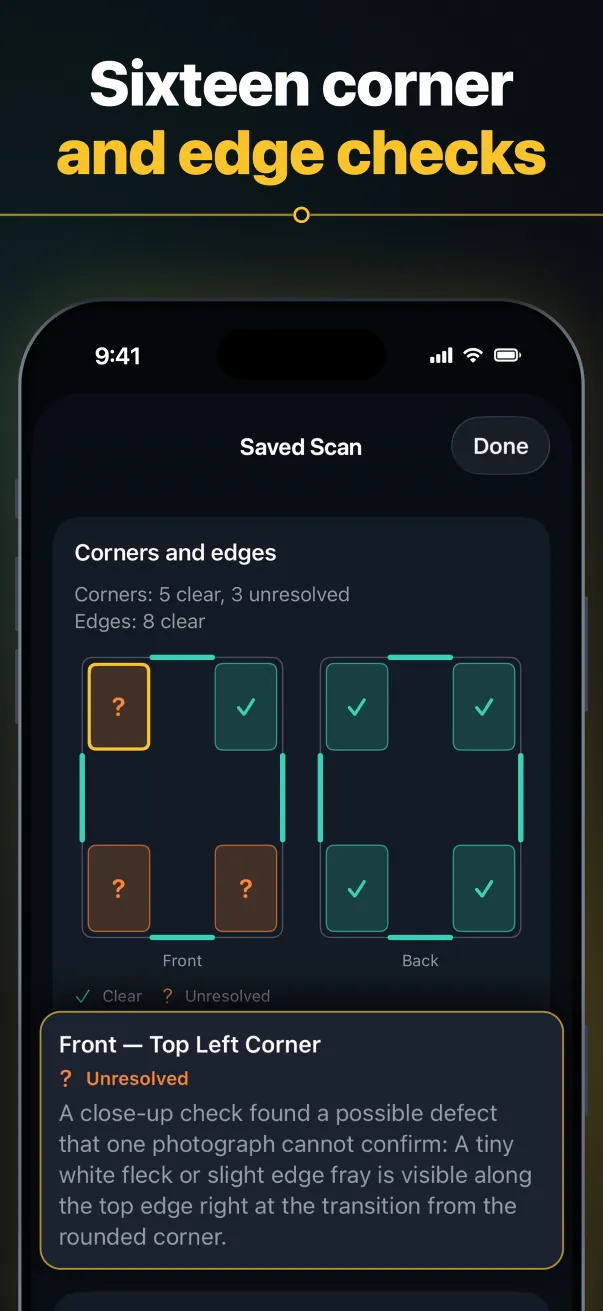
Look over your photos. Add clearer corner or edge views before requesting a pre-grade.
Your evidence. Your call.
03↗
Choose your next step.
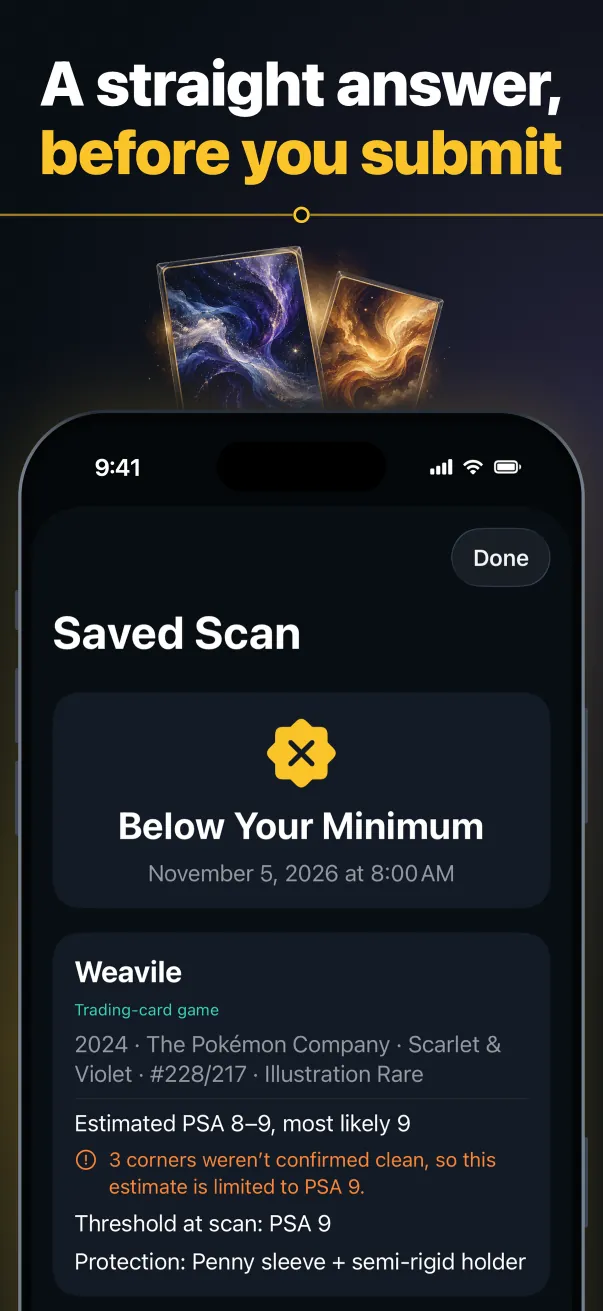
Explore the visual grade range, centering, surface, edges and corners against your chosen minimum.
An estimate, with context.
Centering
How evenly the borders sit, side to side and top to bottom.
Corners
Every corner tip, front and back, for whitening.
Edges
Every edge, front and back, for whitening and wear.
Surface
Whether the face of the card is clean, front and back.
Before the next move
Give your collection the attention it deserves.
The GradeGate report
Before you buy, ask for the report.
A listing photo is a starting point. A GradeGate report gives you more to look at.
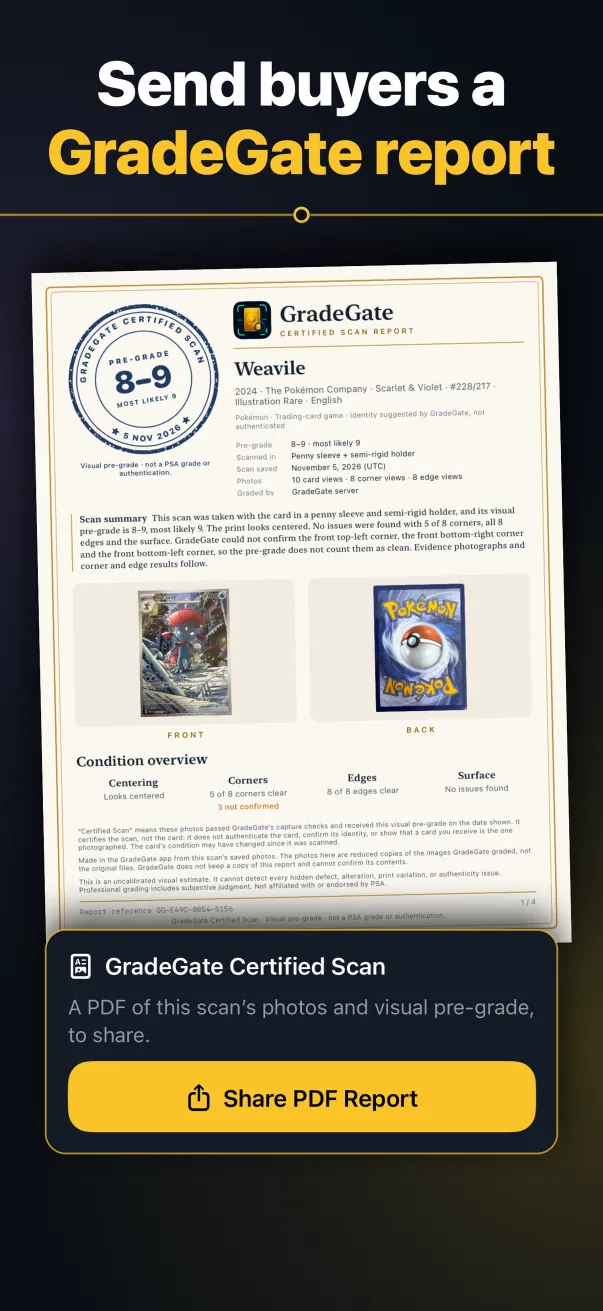
Ask the seller for a GradeGate Detailed Report to review the photographed card’s visual pre-grade, front and back photos, and the result for every corner and edge together.
01
The photos behind the estimate
Front and back, every corner and edge, and the angled views.
02
Condition, in context
A visual grade range and condition overview.
03
A scan you can check
The saved date, a report reference and a QR code that opens its Signed Report, in one shareable PDF.
Scan summary This scan was taken with the card in a penny sleeve, and its visual pre-grade is 8–9, most likely 9. The print looks centered. No issues were found with 7 of 8 corners, all 8 edges and the surface. GradeGate could not confirm the back top-left corner, so the pre-grade does not count it as clean. The grading notes, evidence photographs and corner and edge results follow.
This report shows a scan that passed GradeGate’s capture checks and the visual pre-grade it received on the date shown. It describes the scan, not the card: it does not authenticate the card, confirm its identity, or show that a card you receive is the one photographed. The card’s condition may have changed since it was scanned.
Made in the GradeGate app from this scan’s saved photos. The photos here are reduced copies of the images GradeGate graded, not the original files. GradeGate does not keep a copy of this report. Its Signed Report at gradegate.ai/v shows the pre-grade and condition results GradeGate signed.
This is an uncalibrated visual estimate. It cannot detect every hidden defect, alteration, print variation, or authenticity issue. Professional grading includes subjective judgment. Not affiliated with or endorsed by PSA.
GradeGate Detailed Report · Visual pre-grade · not a PSA grade or authentication.
What GradeGate noted
GradeGate’s grading notes, word for word as the app shows them, for each corner or edge not confirmed clean and each defect found.
Corners
?
Back — Top Left CornerNot confirmed
The sleeve’s edge crosses the corner tip in both views, so the tip can’t be judged.
View 1: Unreadable — the sleeve’s edge lies over the tip
View 2: Unreadable — glare covers the tip
GradeGate Detailed Report · Visual pre-grade · not a PSA grade or authentication.
Corners
Each corner photo sits where that corner is on the card, with its result. Photos are reduced copies of the images GradeGate graded.
✓
✓
✓
✓
FRONT
Front — Top Left CornerClear
Front — Top Right CornerClear
Front — Bottom Right CornerClear
Front — Bottom Left CornerClear
?
✓
✓
✓
BACK
Back — Top Left CornerNot confirmed
Back — Top Right CornerClear
Back — Bottom Right CornerClear
Back — Bottom Left CornerClear
✓ Clear? Not confirmed× Damaged
GradeGate Detailed Report · Visual pre-grade · not a PSA grade or authentication.
Front corners
Each corner’s photo, shown large and in its place on the card. Zoom in to see the tip.
✓
Front — Top Left CornerClear
✓
Front — Top Right CornerClear
✓
Front — Bottom Right CornerClear
✓
Front — Bottom Left CornerClear
✓ Clear? Not confirmed× Damaged
GradeGate Detailed Report · Visual pre-grade · not a PSA grade or authentication.
Back corners
Each corner’s photo, shown large and in its place on the card. Zoom in to see the tip.
?
Back — Top Left CornerNot confirmed
✓
Back — Top Right CornerClear
✓
Back — Bottom Right CornerClear
✓
Back — Bottom Left CornerClear
✓ Clear? Not confirmed× Damaged
GradeGate Detailed Report · Visual pre-grade · not a PSA grade or authentication.
Edges
Each strip shows one edge of the card with the card’s outside edge at the top.
FRONT
Top edgeClear
Right edgeClear
Bottom edgeClear
Left edgeClear
BACK
Top edgeClear
Right edgeClear
Bottom edgeClear
Left edgeClear
✓ Clear? Not confirmed× Damaged
GradeGate Detailed Report · Visual pre-grade · not a PSA grade or authentication.
More photos
The other photos GradeGate graded for this scan.
Front views
Front · angled from left
Front · angled from right
Front · angled from top
Front · angled from bottom
Back views
Back · angled from left
Back · angled from right
Back · angled from top
Back · angled from bottom
Close-ups
Close-up 1Close-up 2
GradeGate Detailed Report · Visual pre-grade · not a PSA grade or authentication.
← Previous1 / 7
2 / 7
3 / 7
4 / 7
5 / 7
6 / 7
7 / 7Next →
Illustrative artwork and values: a made-up report on an illustrated card, with every part a real Detailed Report can hold.
i
A closer look. An informed conversation. A report describes the scan, not the card. It does not authenticate a card, guarantee a professional grade, or prove the card being sold is the one photographed. Match the report’s photos to the listing and ask the seller questions. Check a report with its QR code or reference to see the results GradeGate signed for that scan; reports made before online checks can’t be checked.
GradeGateSIGNED REPORT
Pikachu
2026 · Illustrative Set · #025/165 · Holofoil · English
Identity suggested by GradeGate, not authenticated · Scanned in: Penny sleeve
FRONT
BACK
CenteringLooks centered
Corners7 of 8 corners clear1 not confirmed
Edges8 of 8 edges clear
SurfaceNo issues found
Report reference GG-DEMO-0001 · scan saved October 18, 2026 (UTC)
An uncalibrated estimate, not affiliated with or endorsed by PSA. It describes the scan, not the card: it doesn’t show that a card you receive is the one photographed. Ask the seller for the Detailed Report.
Check online: gradegate.ai/v (scan the code)
The GradeGate Signed Report
One page for the listing. Signed, so changes show.
Sellers can post this one picture with a listing. Its QR code opens the GradeGate Signed Report: the results GradeGate signed when it graded the scan, checked on the buyer’s own phone.
Signed at grading
GradeGate’s server signs the pre-grade, the corner and edge results, the suggested card name and number, and fingerprints of the front and back photos.
Carried in the QR code
When a scan is signed, its Detailed Report and listing image print a QR code that holds those signed results.
Checked on the buyer’s phone
The Signed Report checks the signature in the buyer’s browser. Edit the code and the check fails. Edit the printed results and they no longer match the signed ones it shows.
A Signed Report shows what GradeGate graded. It doesn’t prove the card in your hands is the one in the photos, so compare the card with the photos too.
No. GradeGate provides a conservative, uncalibrated estimate from photographs. It does not authenticate cards or guarantee a professional grader’s result. GradeGate is not affiliated with or endorsed by PSA.
What should I ask a seller for?+
Ask for the complete GradeGate Detailed Report and open its Signed Report with its QR code or reference, then compare its photographs with the listing and ask about anything unclear. A check shows the results GradeGate signed for the photographed scan; it does not verify a seller or the physical card you will receive.
Does the report tell me what a card is worth?+
No. The report focuses on photographed condition and its visual pre-grade. It does not include market prices or provide investment advice.
Where can I get help with a scan?+
Visit GradeGate support for scanning guidance, supported holders, understanding results, and account questions.
Every detail matters.
A little more insight. A more informed next move.
GradeGate for iPhone is coming soon to the App Store. Join the waitlist for launch news, or to help test it first.